Step-by-Step Guide to Editing Your Privacy Policy: Easy Navigation and Formatting Tips
3 mins read · Updated 01 Oct, 2025
STEP 1: Click on "Privacy Policy"
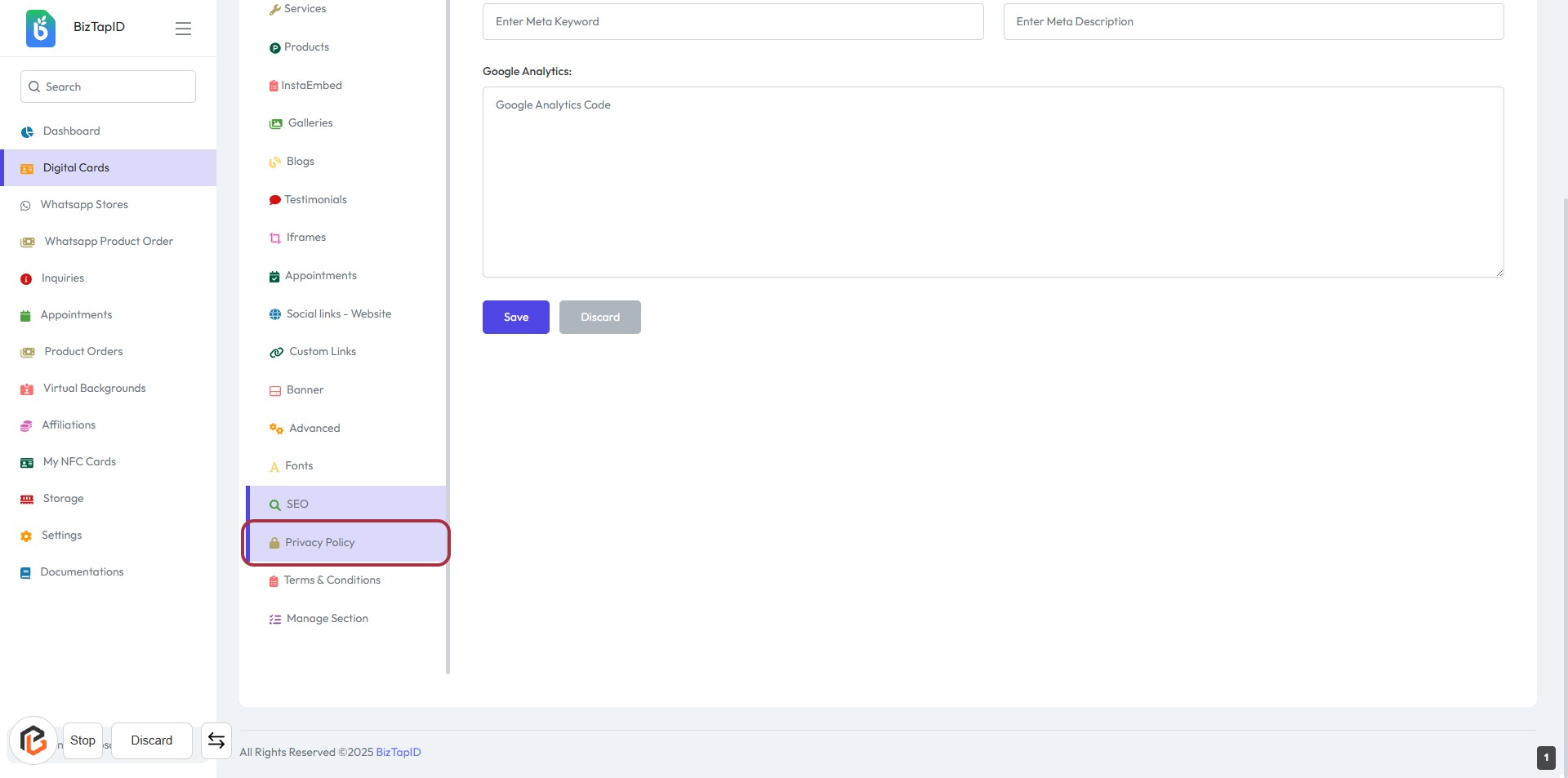
- Navigate to the left sidebar menu.
- Locate and click on the "Privacy Policy" option highlighted in red.
- This action will take you to the section where you can write or edit the Privacy Policy.
- Ensure you have the necessary content ready for the next step.
STEP 2: Click on "Privacy Policy" Section
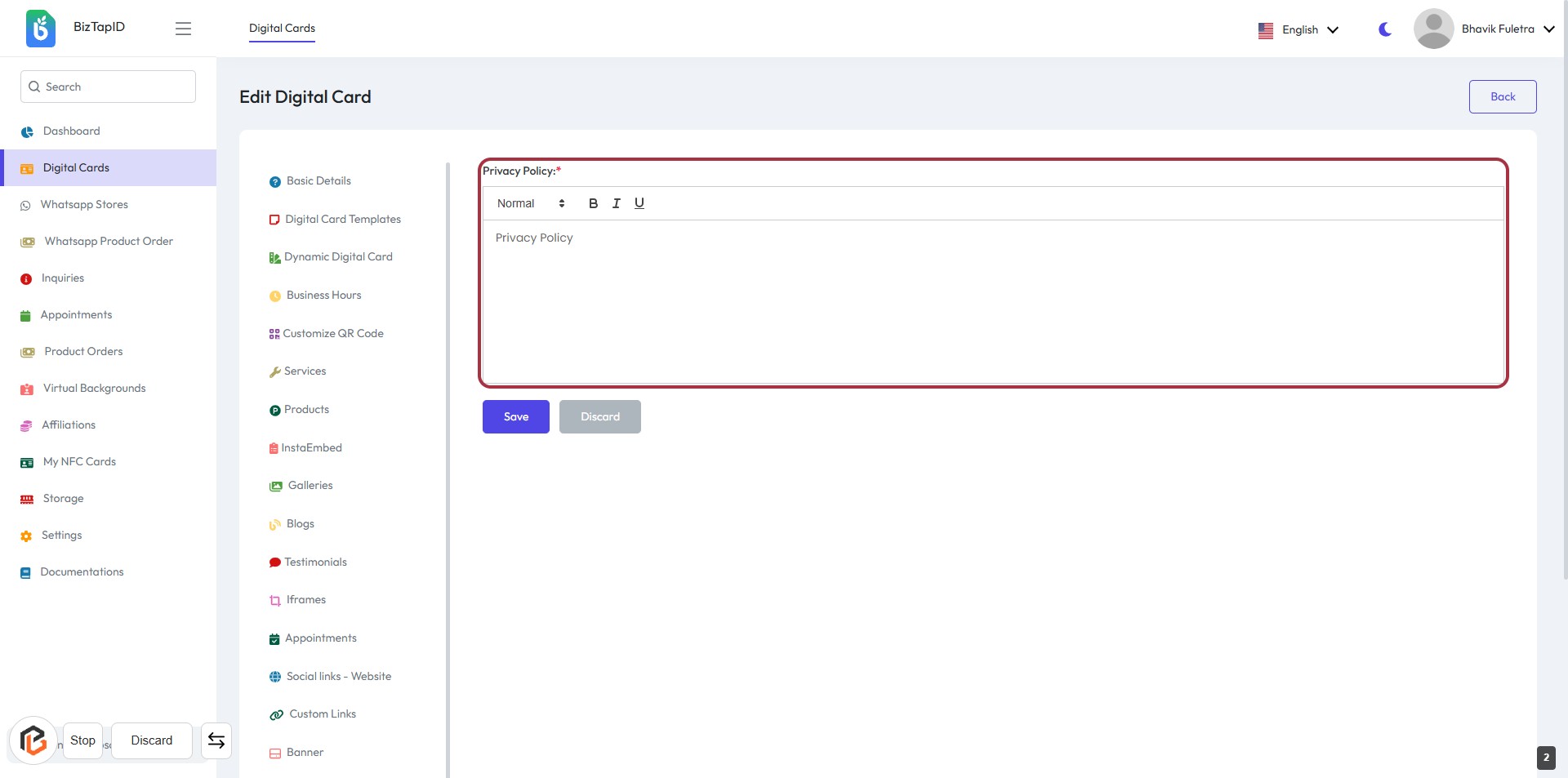
- Locate the highlighted area marked for the "Privacy Policy" input.
- Enter your privacy policy details in the provided text area.
- Use formatting options (Normal, Bold, Italic) as needed.
- Ensure to fill in all required fields marked with an asterisk (*).
- Once completed, proceed to click the "Save" button to save your changes.
STEP 3: Click on "Save" Button
- Ensure all required fields marked with an asterisk (*) are filled out.
- Review the Privacy Policy content you have entered.
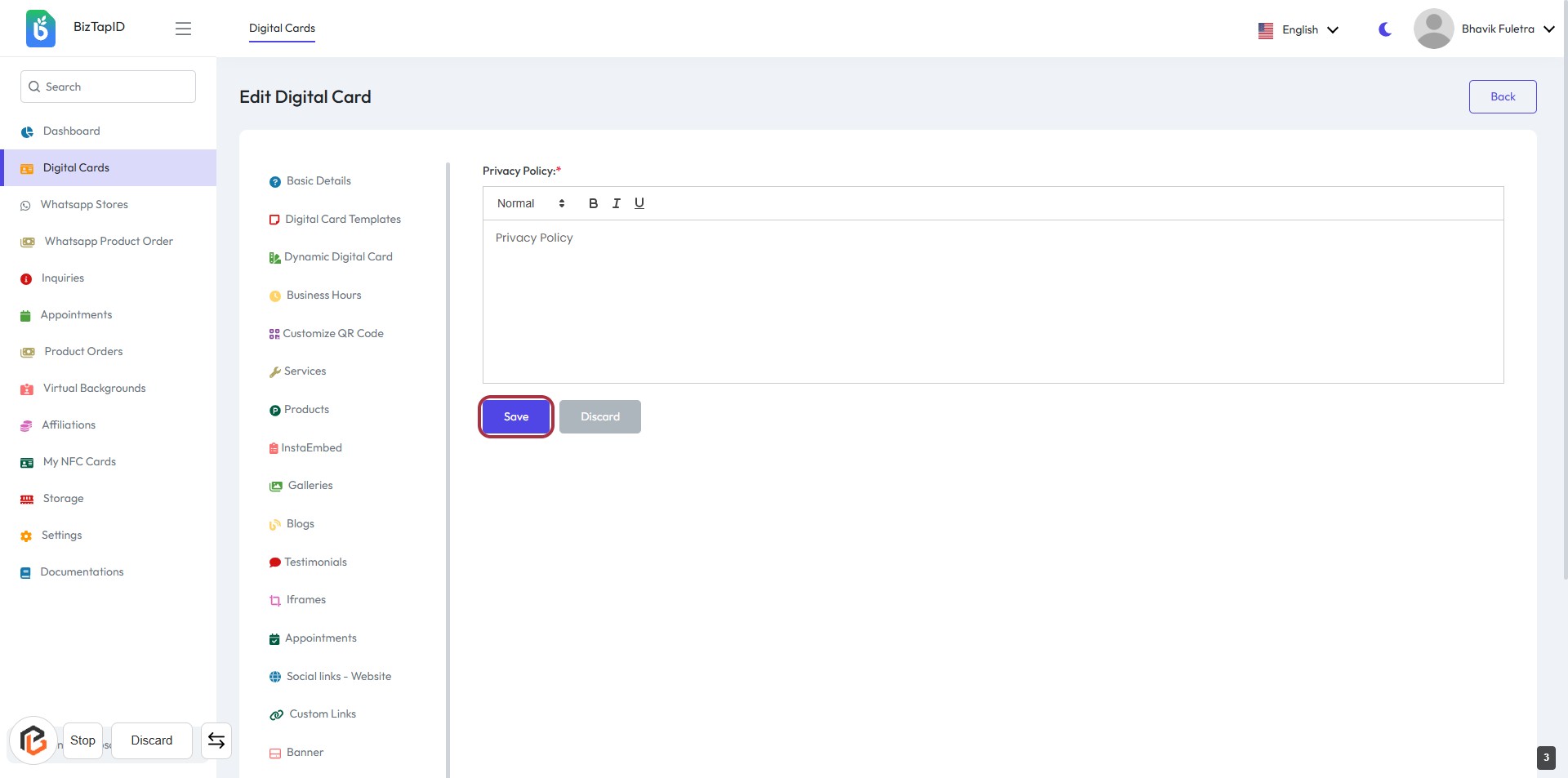
- Click the Save button located at the bottom right of the form to save your changes.
- If you wish to discard changes, you can click the Discard button next to it.