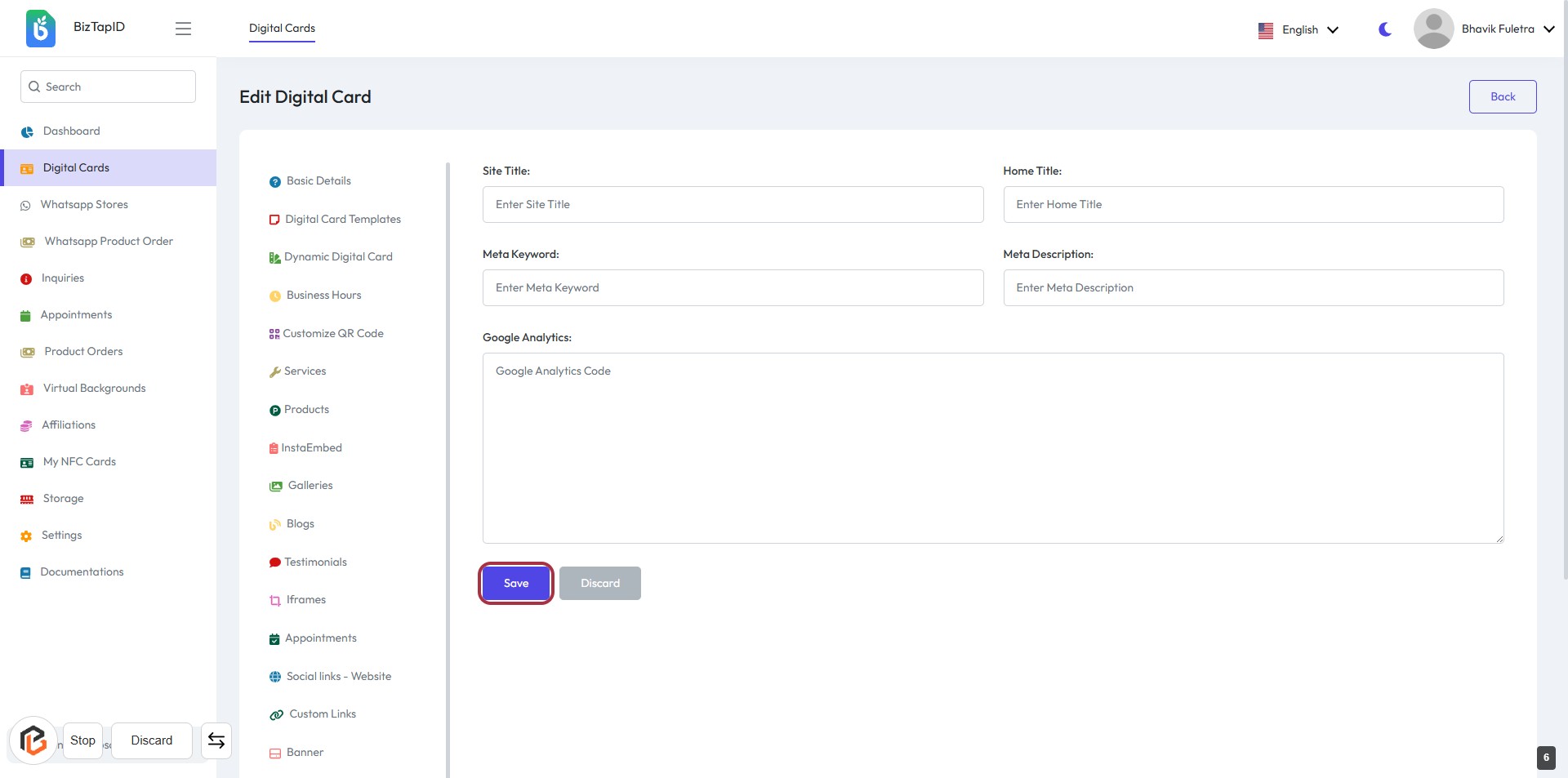
Step-by-Step Guide to Configuring SEO Settings: Site Title, Home Title, Meta Keywords, and Google Analytics
7 mins read · Updated 01 Oct, 2025
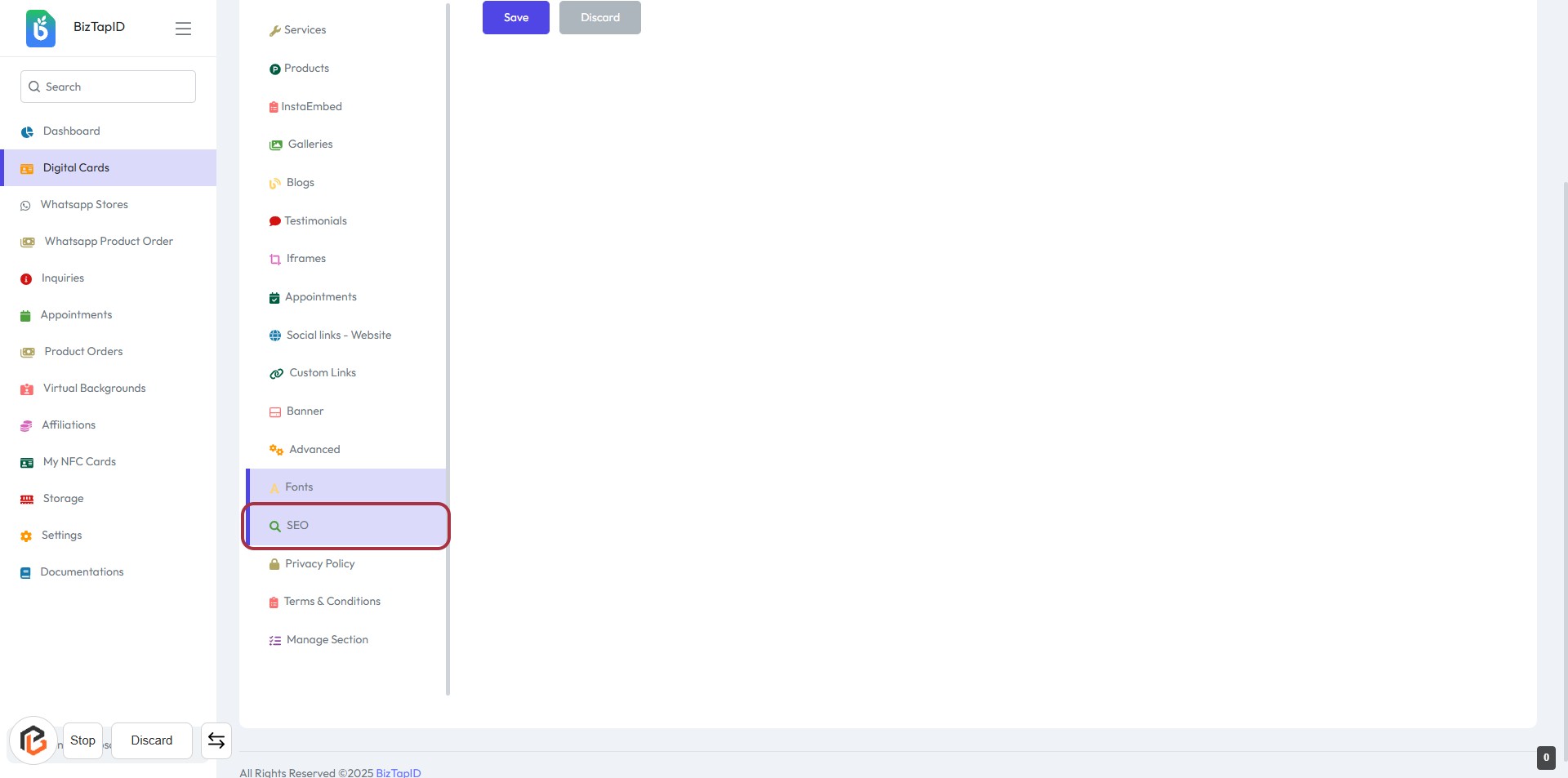
STEP 1: Click on "SEO" in the Sidebar Menu
- Navigate to the sidebar menu on the left.
- Locate and click on the "SEO" option highlighted in purple.
- This action will direct you to the SEO settings page for further configuration.
- Ensure you are ready to proceed to the next step, where you will enter the "Site Title."
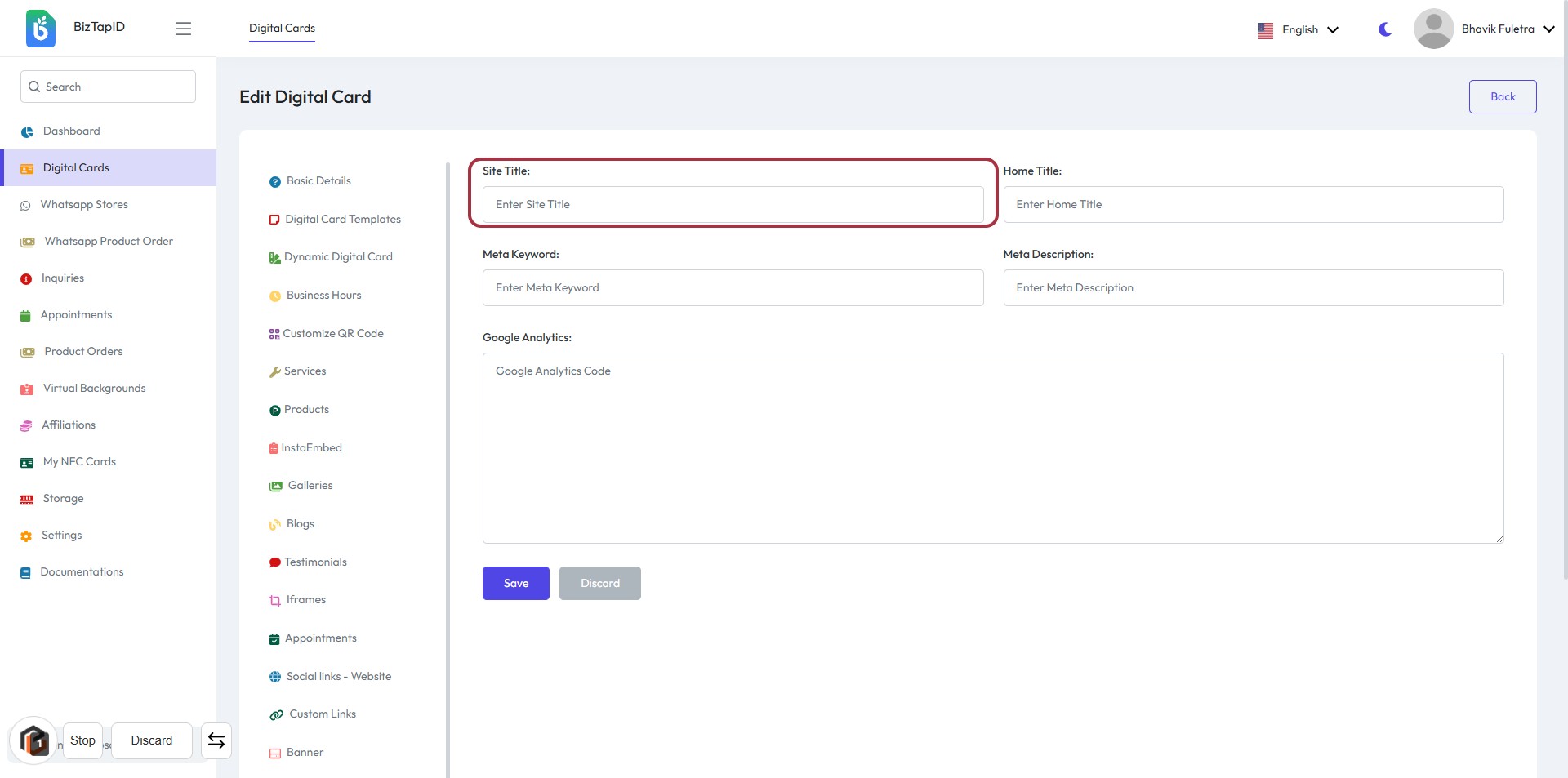
STEP 2: Enter Site Title
- Click on the "Site Title" field highlighted in red.
- Input the desired title for your site.
- Ensure the title accurately reflects your site's content.
- Proceed to the next step by entering the "Home Title" after saving your changes.
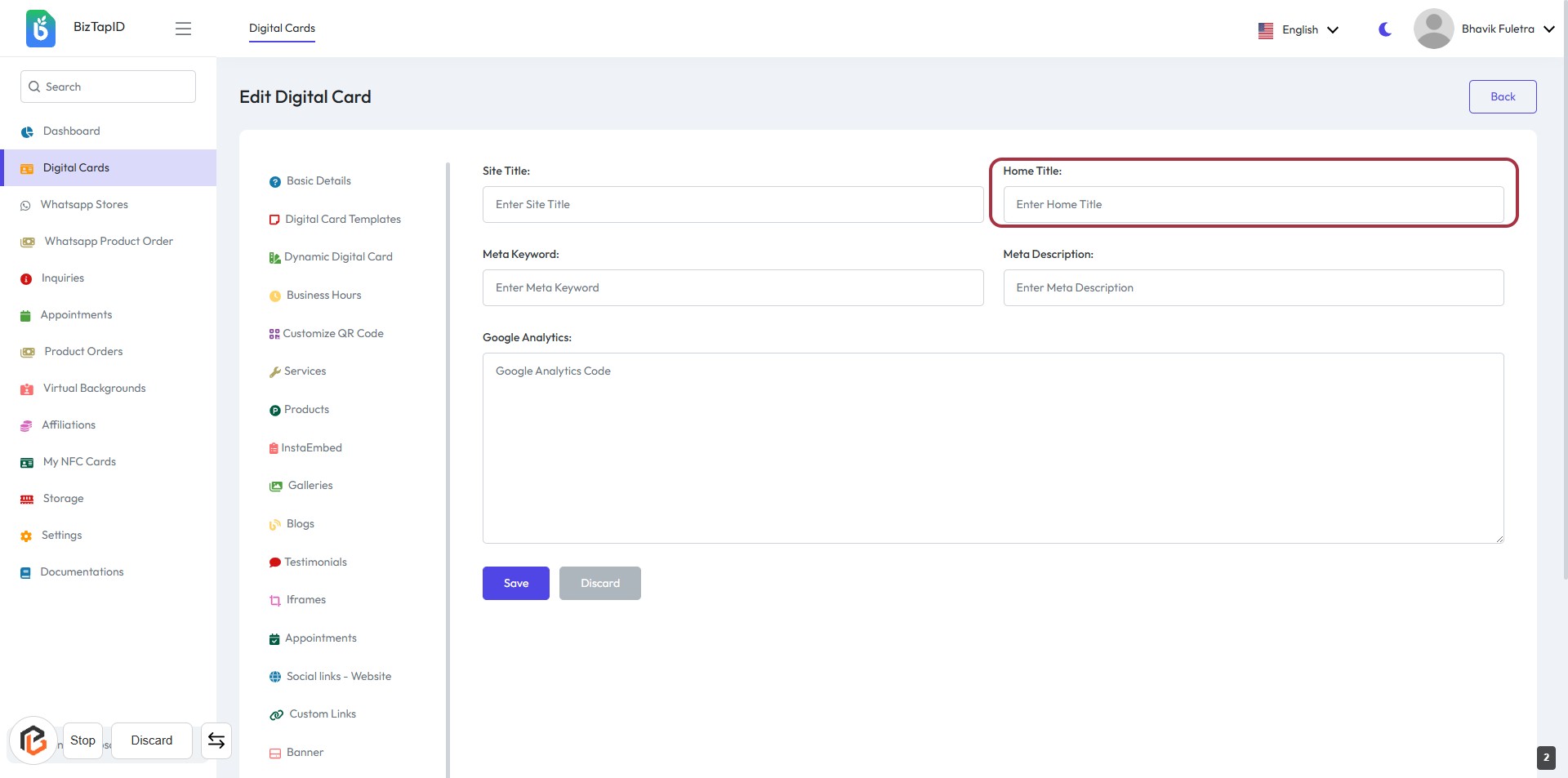
STEP 3: Enter Home Title
- Click on the "Home Title" field.
- Input the desired title for your home page.
- Ensure the title accurately reflects the content of your site.
- Proceed to the next step by entering the "Meta Keyword" after saving your changes.
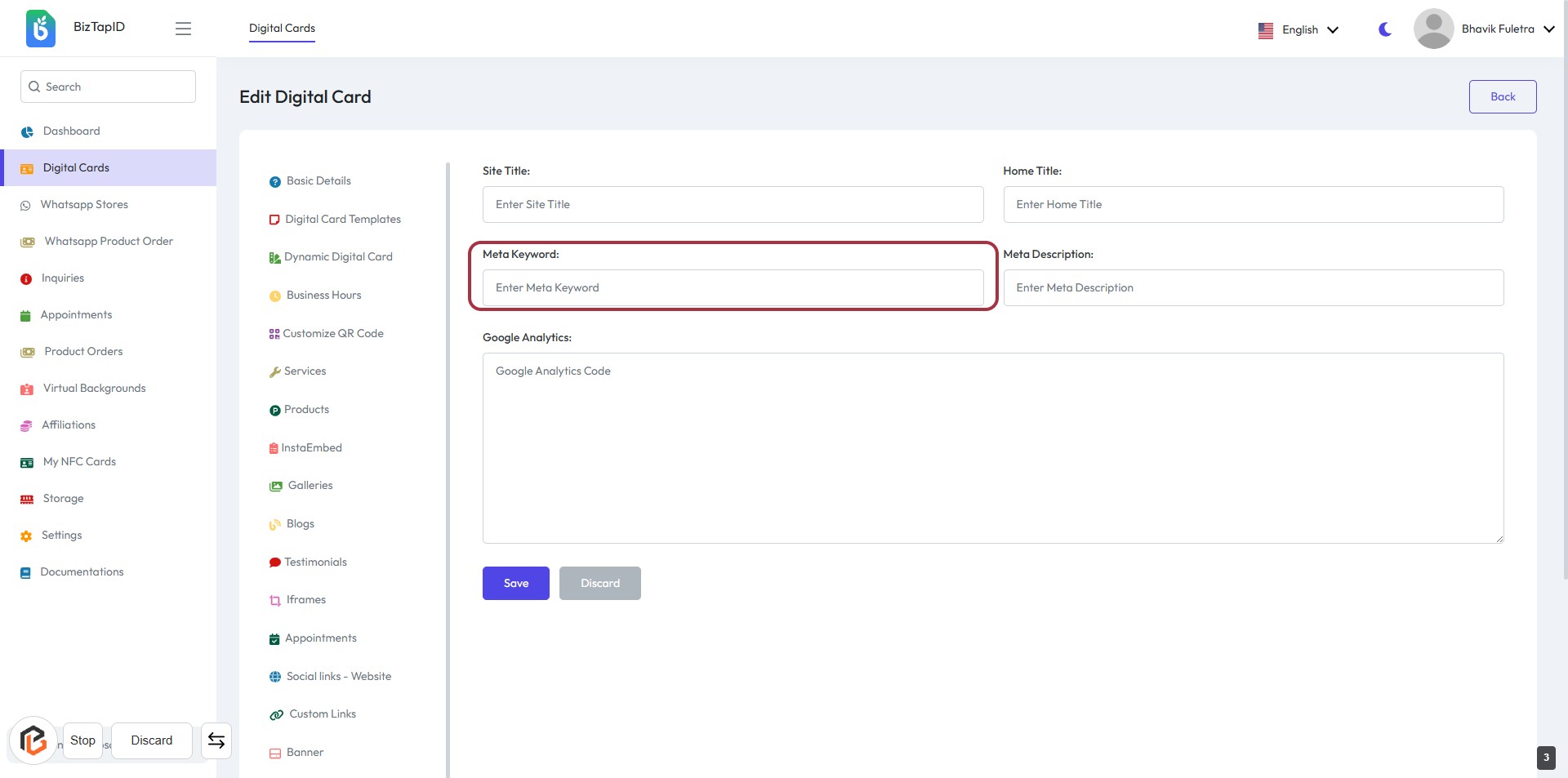
STEP 4: Enter "Meta Keyword"
- Click on the "Meta Keyword" field.
- Input relevant keywords that describe your content.
- Ensure keywords are separated by commas for better SEO.
- This field is optional but recommended for enhancing search visibility.
- Proceed to the next step by entering the "Meta Description."
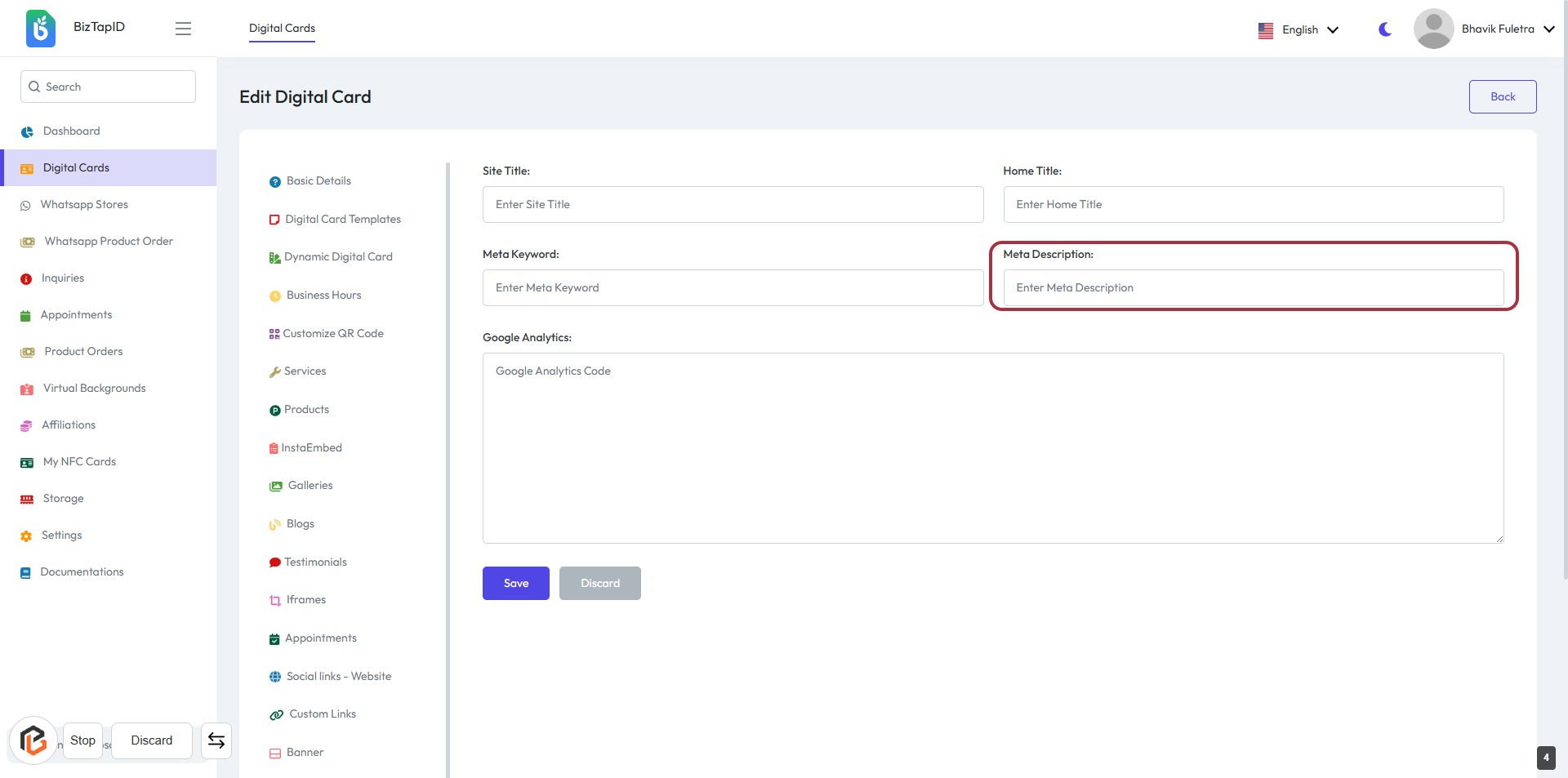
STEP 5: Enter "Meta Description"
- Click on the "Meta Description" field.
- Enter a brief description of your page (this is important for SEO).
- Ensure the description is concise and relevant to the content.
- Look for any optional fields marked with an asterisk (*) for additional information.
- Proceed to the next step by filling in the "Google Analytics" section.
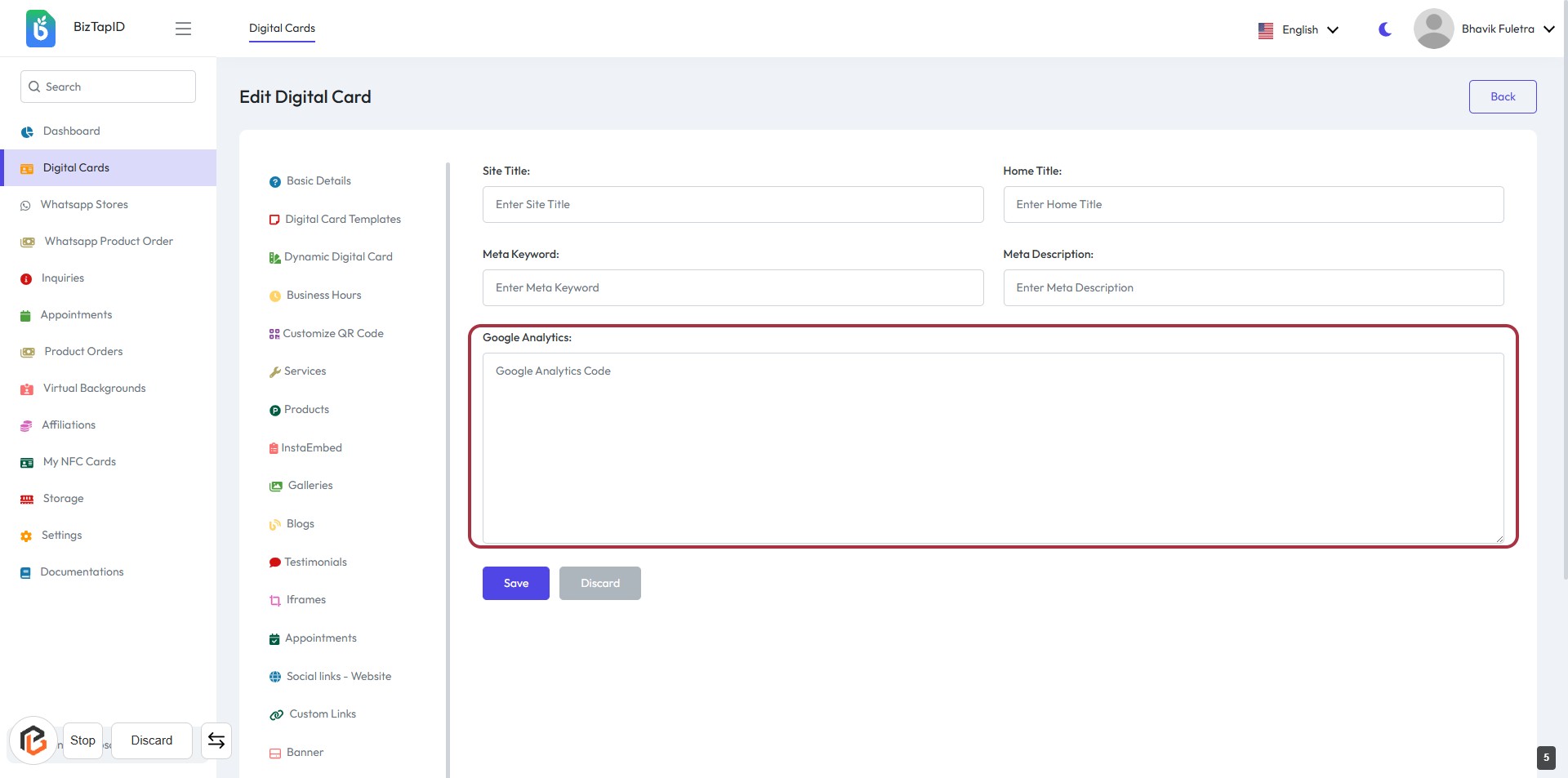
STEP 6: Click on "Google Analytics" Field
- Locate the Google Analytics: section in the form.
- Click on the field to enter your Google Analytics Code.
- Ensure to fill in any required information marked with an asterisk (*).
- Review your entries before proceeding to the next step.
STEP 7: Click on "Save" Button
- Ensure all required fields are filled: Site Title, Home Title, Meta Keyword, Meta Description, and Google Analytics Code.
- Review your entries for accuracy.
- Click the Save button to finalize your changes.
- Confirm that the changes have been saved successfully.